A Typst package for writing exams, quizzes, and homework with automatically numbered questions, answer boxes, points accounting, smart cross-references, and solutions that can be toggled on and off. This package follows the spirit of the exam class for LaTeX.
Installation
To use examy, import it and start the exam with a show rule:
#import "@preview/examy:1.1.0": *

#show: exam
A quick-start template is available by choosing examy under Start from template in the Typst web app or on the command line by running
typst init @preview/examyA first exam
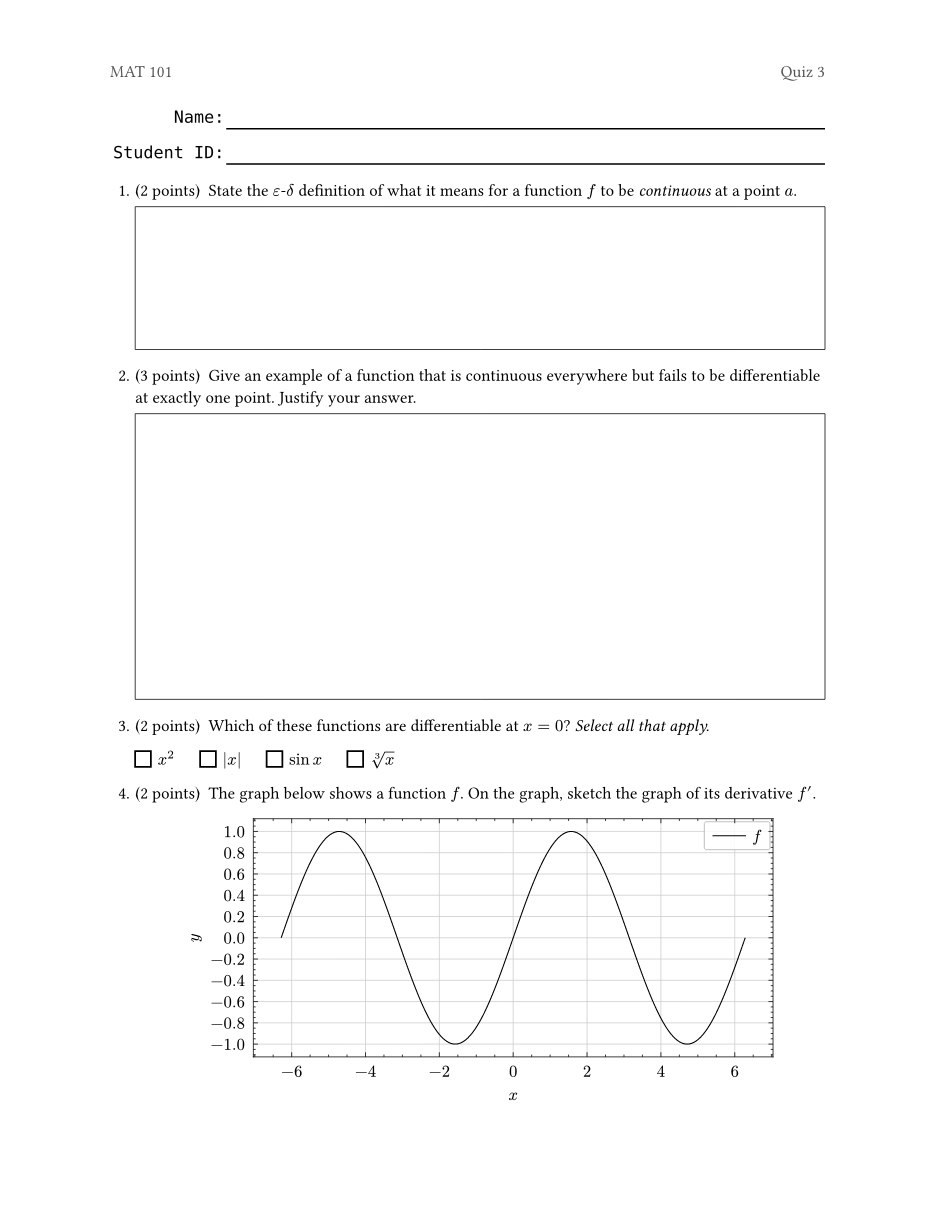
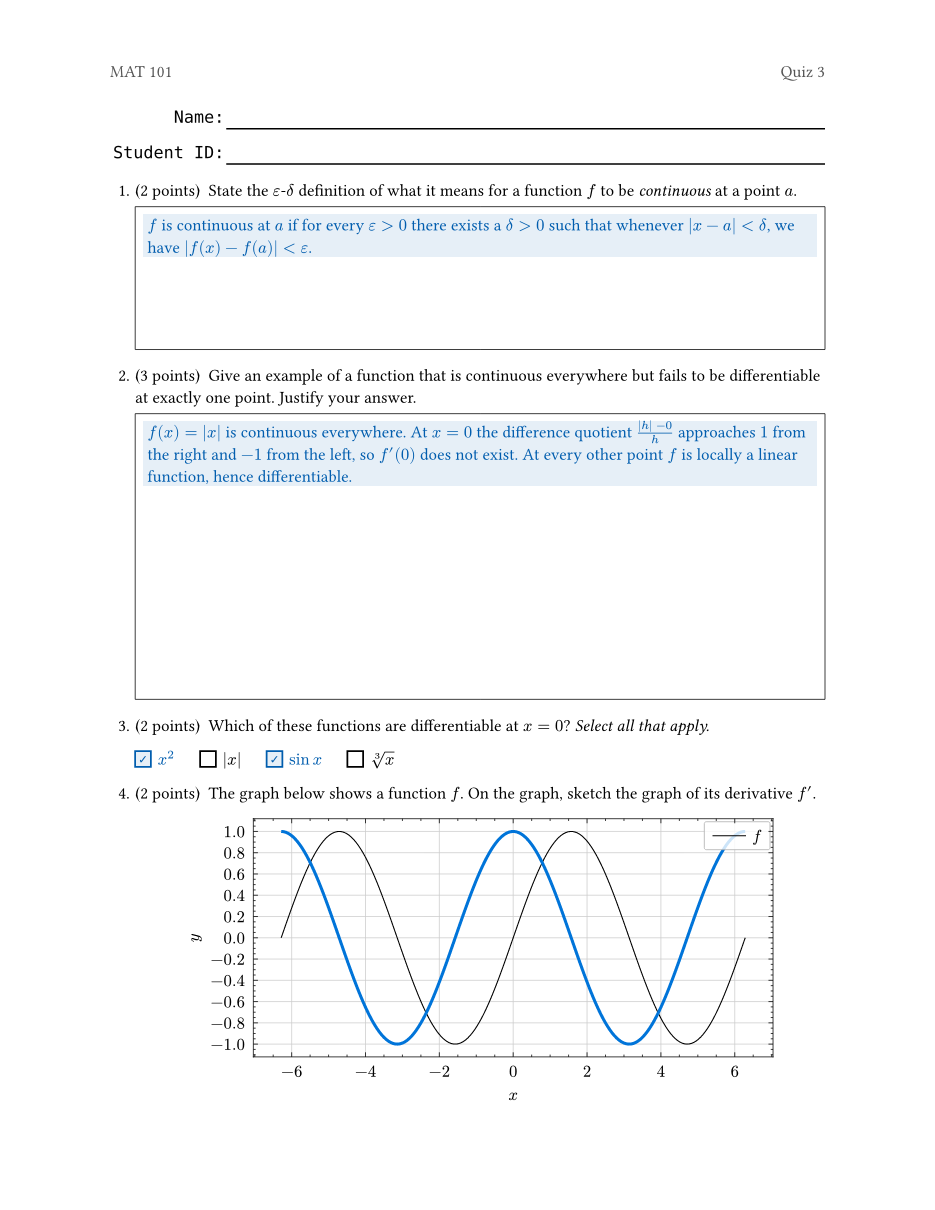
A basic document is built out of an #exam[..]. Inside are questions, created with #question[..] (see Questions and numbering), along with #answer-box[..]s (see Answer boxes) for students to write in and #solution[..]s (see Solutions) whose visibility can be toggled to create regular/key versions of a test.
Additionally, examy comes with helpers like #name-block() to give students a place to write their name (see Cover pages).
#import "@preview/examy:1.1.0": *

#show: exam.with(show-solutions: false)

// A fill-in block (Name / Student ID) at the top of the page
#{
  set text(font: "DejaVu Sans Mono")
  name-block()
}

#question(points: 2)[
  State the definition of a _continuous function_.
  #answer-box(height: 1fr)[
    #solution[A function $f$ is continuous at $a$ if
      $lim_(x -> a) f(x) = f(a)$.]
  ]
]
#question(points: 3)[
  Give an example of a continuous function that is not
  differentiable.
  #answer-box(height: 2fr)[
    #solution[$f(x) = abs(x)$, at $x = 0$.]
  ]
]Basic features
@name to reference a question/part/subpart.Answer boxesProviding a student with space to write. These can have a fixed size or can use available space via fractional units (e.g. height: 1fr).Multiple choiceAdd bubbles for students to answer multiple-choice questions.SolutionsAdd solutions to questions/parts/subparts that only show up on an answer-key version of the exam.RubricsAnnotate questions and solutions with grading rubrics (positive or negative points), exportable as JSON.Cover pagesFunctions for creating name/exam info areas.Exam metadataExport rubrics and where each question is on the page as JSON, or attach them to the PDF.ConfigurationConfiguration options that affect the look and feel of your test.ReferenceComplete documentation for functions provided by examy.